AI storyboards clients approve. Before the pitch ends.
Turn a brief or a full script into a storyboard with your characters consistent across every shot, animate it into a video, then send it to your client to approve on a link — no account needed. A first pass in minutes, not days.
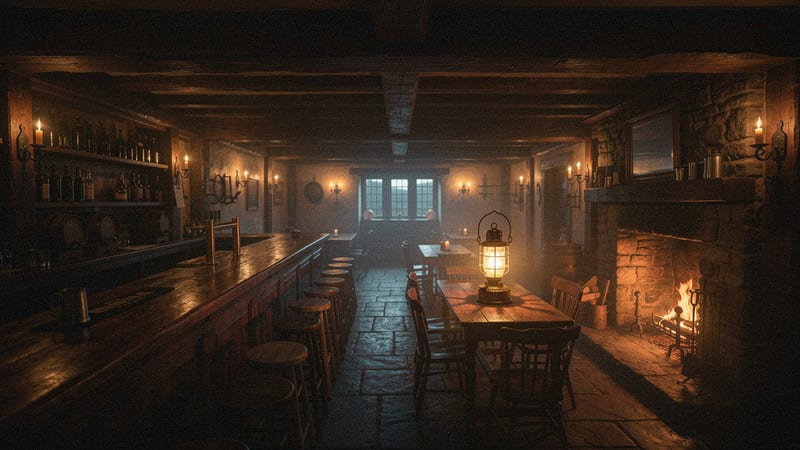
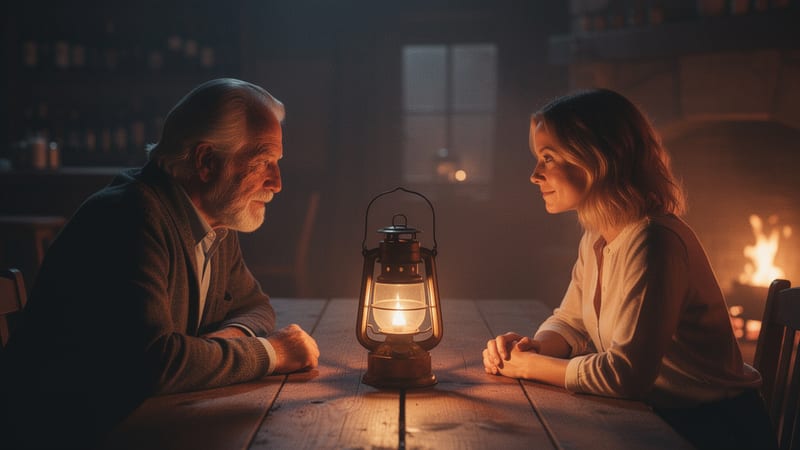


Can we push in closer on her?
Type an idea, get a panel
One prompt, one frame, no account. Same engine as the full board — draft quality, three free previews per day.
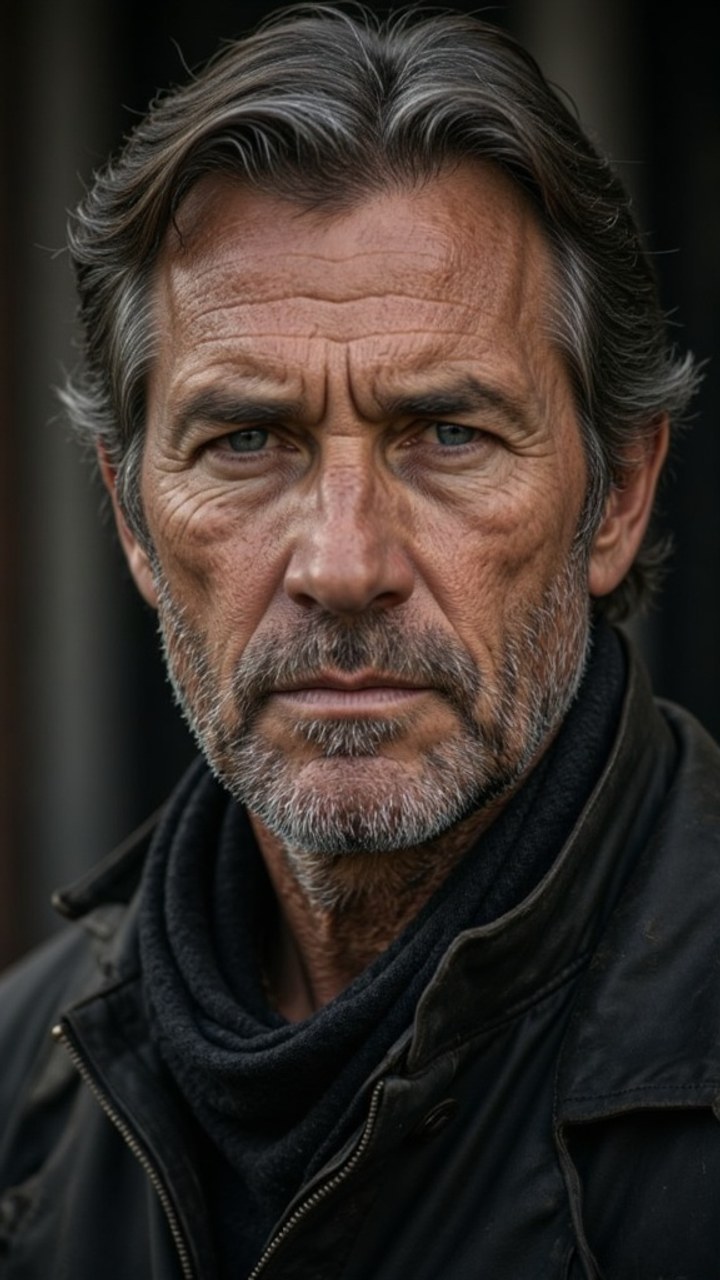
Same face across every panel. Sign up to train your own
You're previewing with our trained character. Sign up to train your own — same face across every panel, forever.
From script to sign-off, in one place
Write it, board it, animate it, get it approved and hand it to the edit. No drawing, no feedback scattered across emails, no PDF going back and forth.
- 01
Write
Describe the idea, or drop in a script as PDF, FDX, Fountain or DOCX. It is broken into shots for you.
- 02
Board
Every shot rendered with your cast, props and sets kept the same. Rewrite one shot and regenerate only that one.
- 03
Animate
Turn panels into video clips and play them as an animatic, timed shot by shot.
- 04New
Approve
Send your client a link. They approve shots, ask for changes or comment, without an account.
- 05
Edit
Export a timeline that opens in Premiere, Final Cut or Resolve, cuts and durations intact.
Your client approves it on a link. No login.
Share the board and your client sees every shot with its script line. Each note they leave lands on the shot it belongs to. Included in every pack — no seats, no subscription.
Shot by shot
Your client approves a shot, asks for changes or leaves a comment, right under the frame it is about.
No account for your client
They open the link and type their name. Nothing to sign up for, nothing to install, and it works on a phone.
In your Studio and your inbox
Notes appear on the right shot in your Studio, and you get an email when a client leaves feedback.
“Updated since review”
Re-roll a shot they already approved and it is marked as changed, so they know to look again.
Present it full screen
Walk them through the board in the meeting, with the clips playing in order.
Stop sharing anytime
Turn the link off and it stops working. Your boards are private until you share them.
One character. Any style. Every shot.
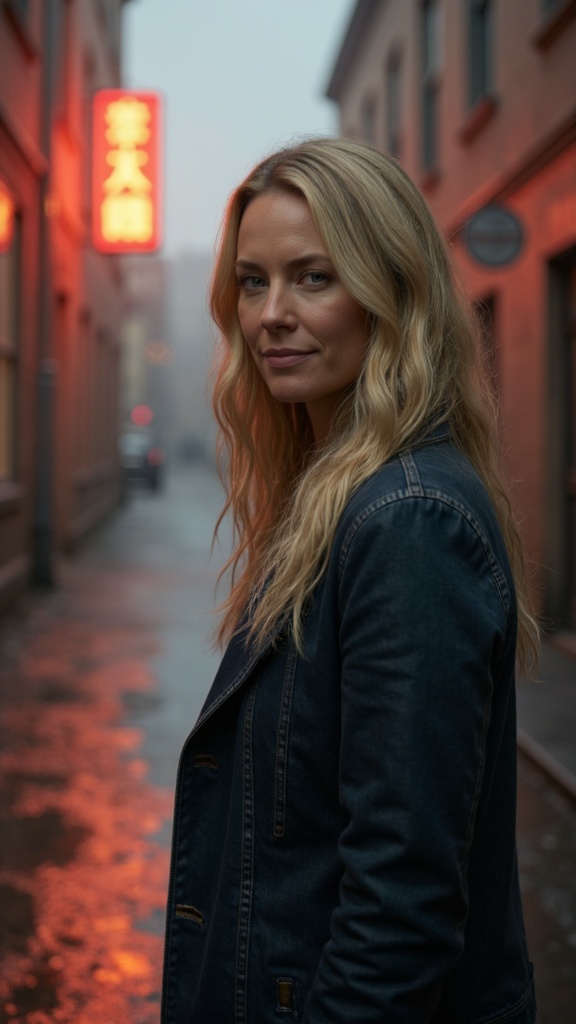
Start from a few photos, or train a model on your actor from 10–20. The same face holds across every angle, every scene, every art style — the hard part of AI storyboarding, and exactly what we built for. Put up to three people in one shot, with their props and the set, and each keeps their own look.
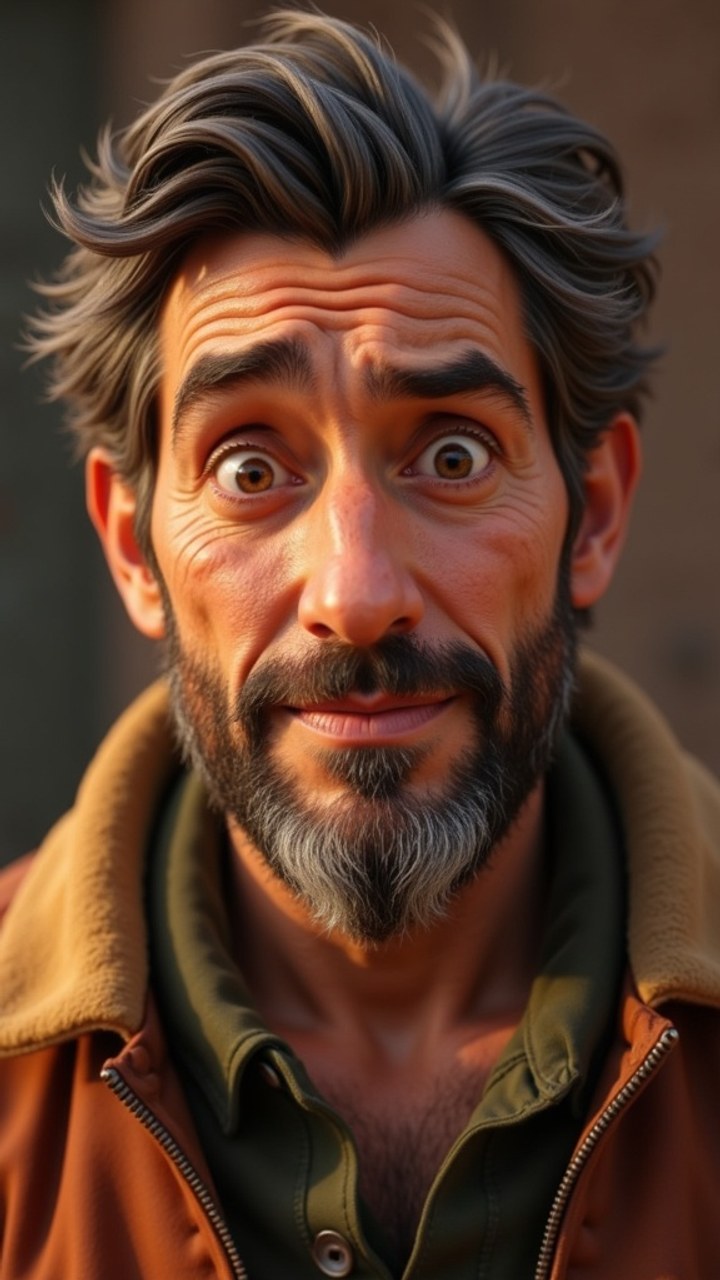


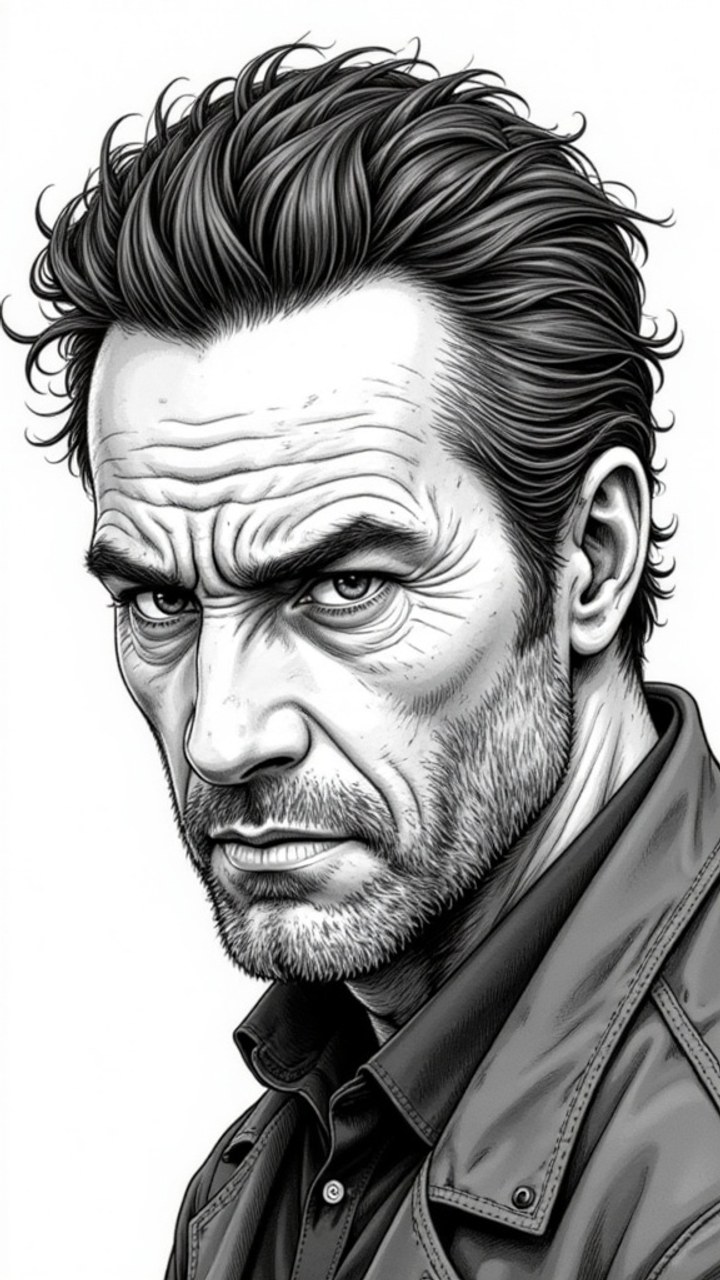
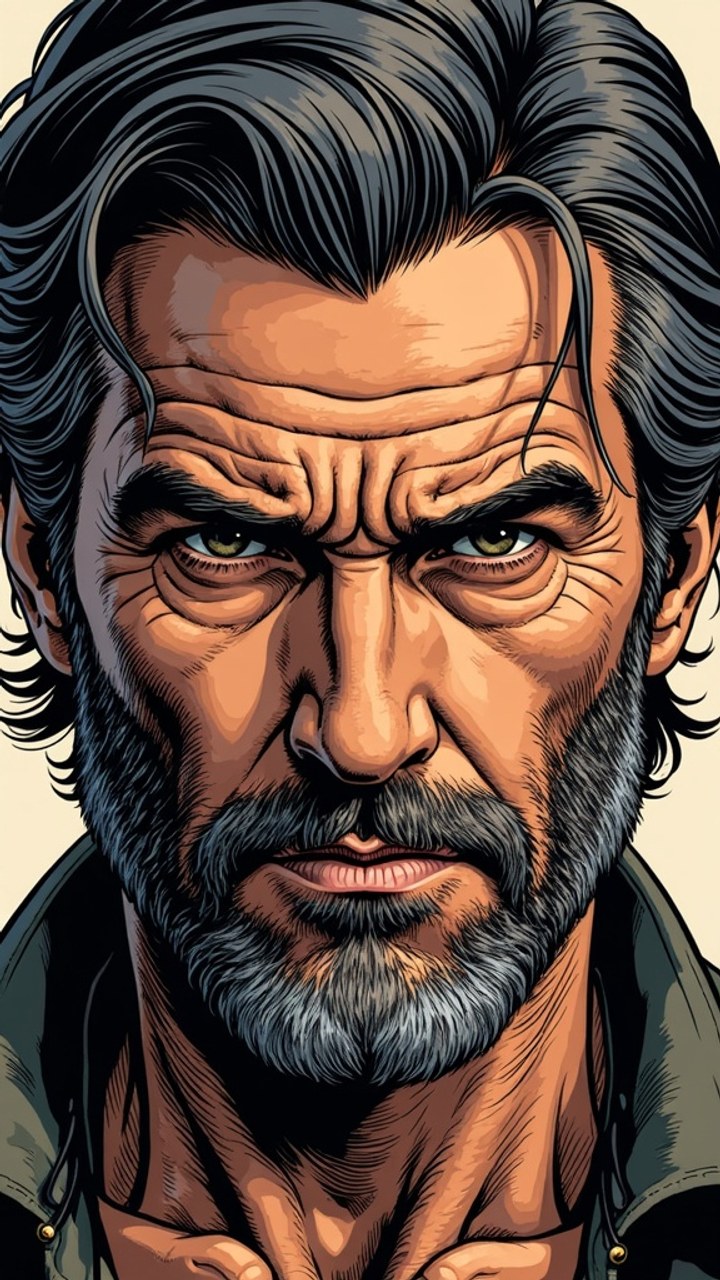
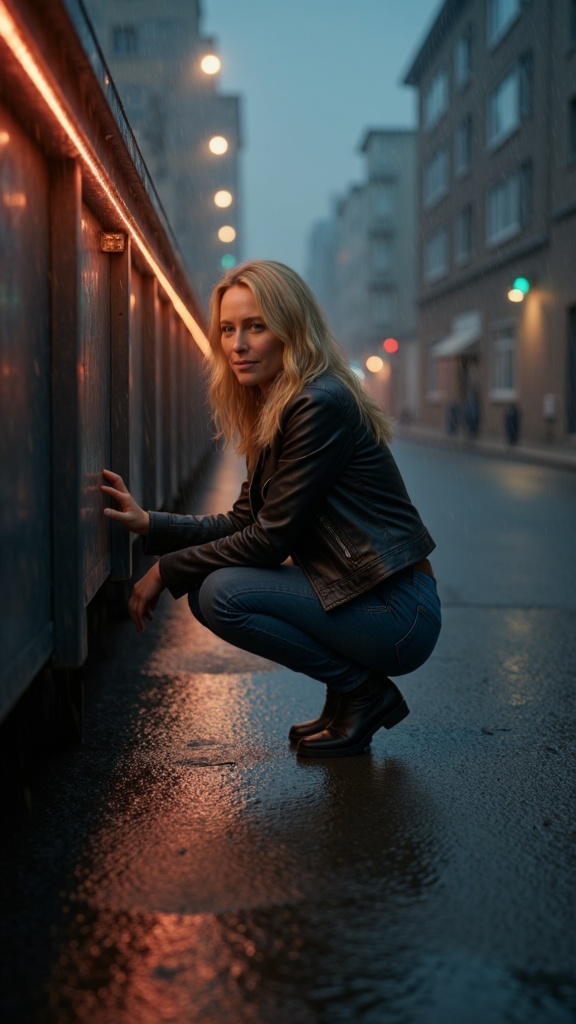
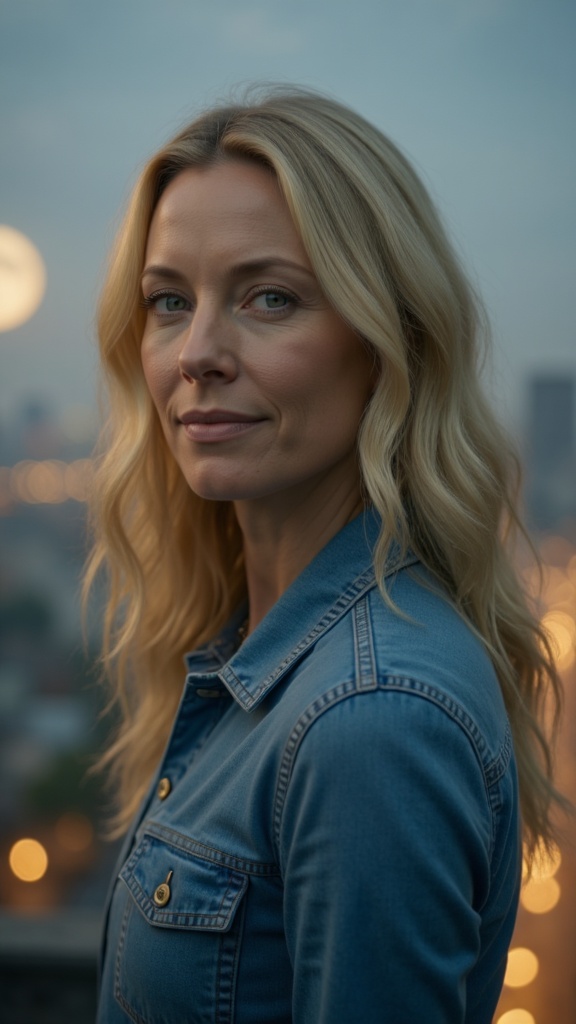
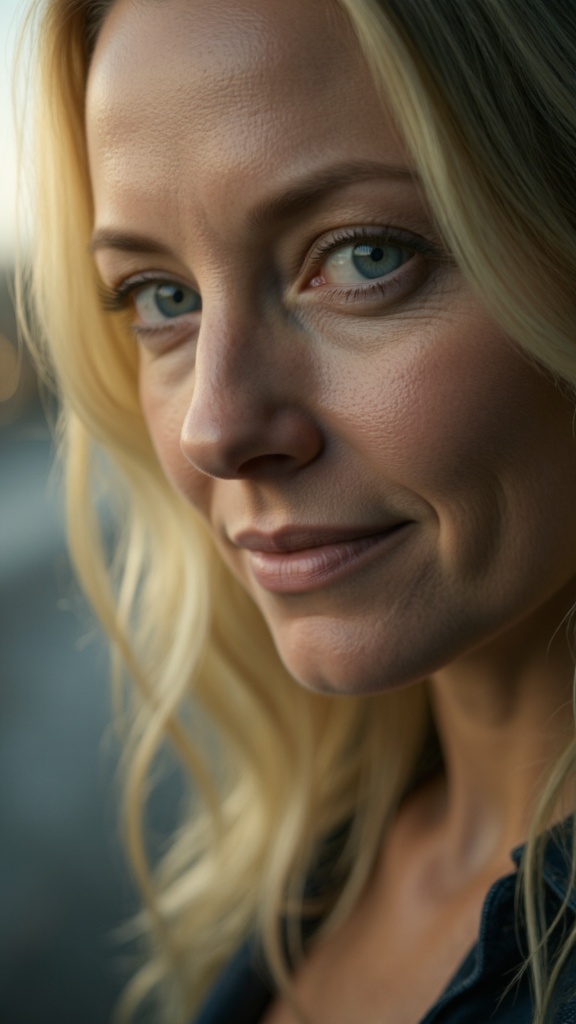

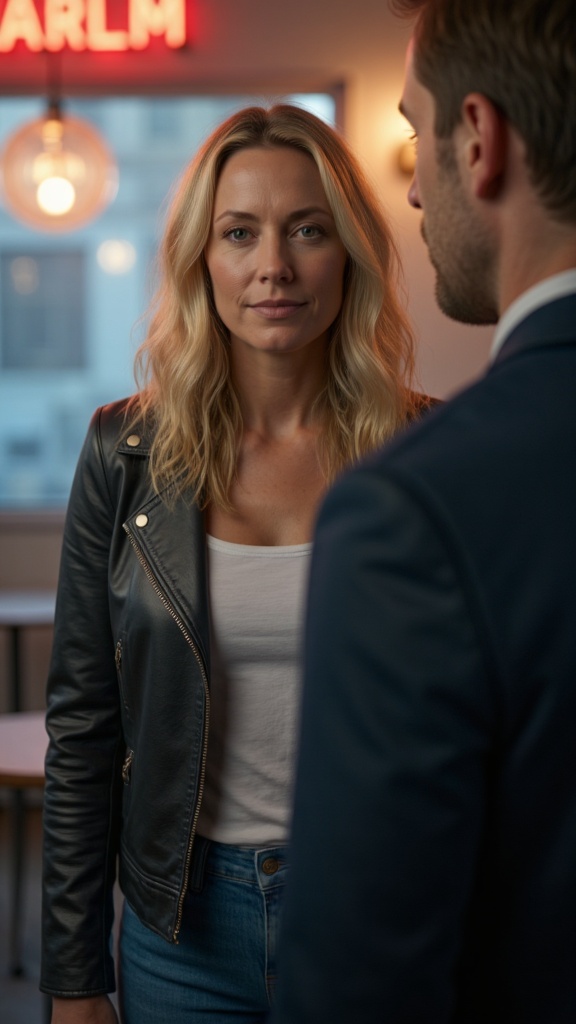
The same board, four days apart
A hired artist gives you one pass and a revision queue. This gives you the pass, the revisions, the animatic and the client’s approval before the meeting ends. A change on the board takes minutes; the same change on set takes a day.
- —Three to five days for a first pass
- —One shot changes, the whole page is redrawn
- —Feedback comes back by email, in pieces
- —Ends as a PDF, and stops there
- A first pass in minutes
- Rewrite one shot, regenerate that panel only
- Approved on a link, note by note, shot by shot
- Leaves as a timeline your editor can open
It lands in the edit, not in a folder
Most storyboard tools stop at a PDF. StoryboardAI exports an editor timeline that opens in Premiere, Final Cut and DaVinci Resolve — so the board becomes the first cut. Everything is watermark-free.
Print-ready sheet
A storyboard sheet you can hand to the crew on the day.
Every panel, full res
All images at full resolution, no watermark, ready to drop anywhere.
Video animatic
Custom hold timing per panel, so pacing reads before you shoot.
Editor timeline
Opens in your NLE with cuts and durations intact — the piece most storyboard tools skip.
The producer’s toolkit
Everything between the first idea and the final frame.
Draft for 1, finalize what works
A Quick Draft costs 1 credit — a sketch to agree the shot, marked Draft for your client. Finalize the shots that work as a Final Render: 8 credits, or 12 when your cast, props or set render from reference photos. Regenerate a single shot without touching the rest of the board.
Your cast, your way
Use a few photos of an actor, prop or location right away, or train a model on 10–20 for the strongest lock. Either way, that look renders in every panel it belongs in.
Private until you share it
Every panel and script saves as you work, private to your account and never used to train models. A board is only visible on a link when you share it — and stops the moment you stop sharing.
Questions before you call “Action!”
The things people ask before signing up.
What is an AI storyboard generator?+
An AI storyboard generator turns written material — a logline, a treatment, or a full script — into a sequence of storyboard panels without anyone drawing them by hand. You describe the story, and it renders each shot as an image you can review, reorder, and revise. StoryboardAI goes one step further than most: it keeps the same character looking like the same person in every panel, and can animate finished panels into a video animatic.
Can AI turn my script into a storyboard?+
Yes. Paste a script or upload it as PDF, FDX, Fountain, or DOCX, and StoryboardAI breaks it into shots — each with a visual description, camera framing, and duration — then renders a panel for every shot. You choose how many panels (4 to 20), pick an art style, and edit any individual shot and regenerate just that panel. A first pass takes minutes rather than the days a hand-drawn board needs.
What makes StoryboardAI different from other storyboard tools?+
It covers the whole job, not just the pictures. Your cast, props and sets stay the same in every shot, and you can rewrite any one shot and regenerate just that panel. Your client approves the board on a link, shot by shot, without making an account. Then it exports to where real productions live: an FCPXML/EDL package that drops straight into DaVinci Resolve, Final Cut and Premiere. Pair that with pay-once credits and it is built for real productions, not demos.
Can my client review the storyboard without an account?+
Yes. Share the board and send your client the link. They see every shot with its script line, and can approve a shot, ask for changes or leave a comment with just their name. Their notes show up on the right shot in your Studio, and you get an email. If you re-roll a shot they already approved, it is marked "Updated since review" so they know to look again. You can stop sharing at any time, and the link stops working.
What are credits and how are they spent?+
Credits power image generation, and the cost depends on the render quality you pick in the Studio — a Quick Draft is 1 credit, and a Final Render is 8, or 12 for a shot whose cast, props or set render from reference photos. Regenerating a shot costs the same as generating it. Writing a script with AI costs 1–2 credits from the same balance. You get 50 free on signup and credits never expire.
Can I use my own characters?+
Yes, two ways. Upload a few photos of an actor, prop or location and use them right away, with no training. Or lock a character: Cast & Crew trains a model on 10–20 photos, and that exact face holds across every panel.
What can I export?+
A print-ready PDF sheet, a ZIP of all panels at full resolution, a video animatic (.webm) with custom hold timing per panel, or an editor timeline (FCPXML + EDL) that drops straight into Premiere, Final Cut, or DaVinci Resolve. Everything exports watermark-free.
Is my content private?+
Yes. Your projects, scripts, and generated images are private to your account and never used to train AI models. All data is stored with row-level security, so no one else can access your work.
Ready to call “Action!”?
50 free credits, no card, no subscription. Board it, animate it, send it for approval.
Start generating — it’s free